If you’ve changed your phone number or can’t verify your identity with your current MFA method, you’ll need to reset your Okta authenticators. Follow these steps:
1. Contact LoadPay Support
Call 1-800-850-8234 or email help@LoadPay.com and let us know you need an MFA reset.
2. Support will process the reset
A support agent will remove your existing MFA settings from your LoadPay Okta account.
3. Log in and set up MFA again
The next time you sign in, you’ll be prompted to configure MFA, just like when you first created your account.
4. Choose your preferred method
Options include Okta Verify, Google Authenticator, or phone call. Follow the on-screen instructions to complete setup.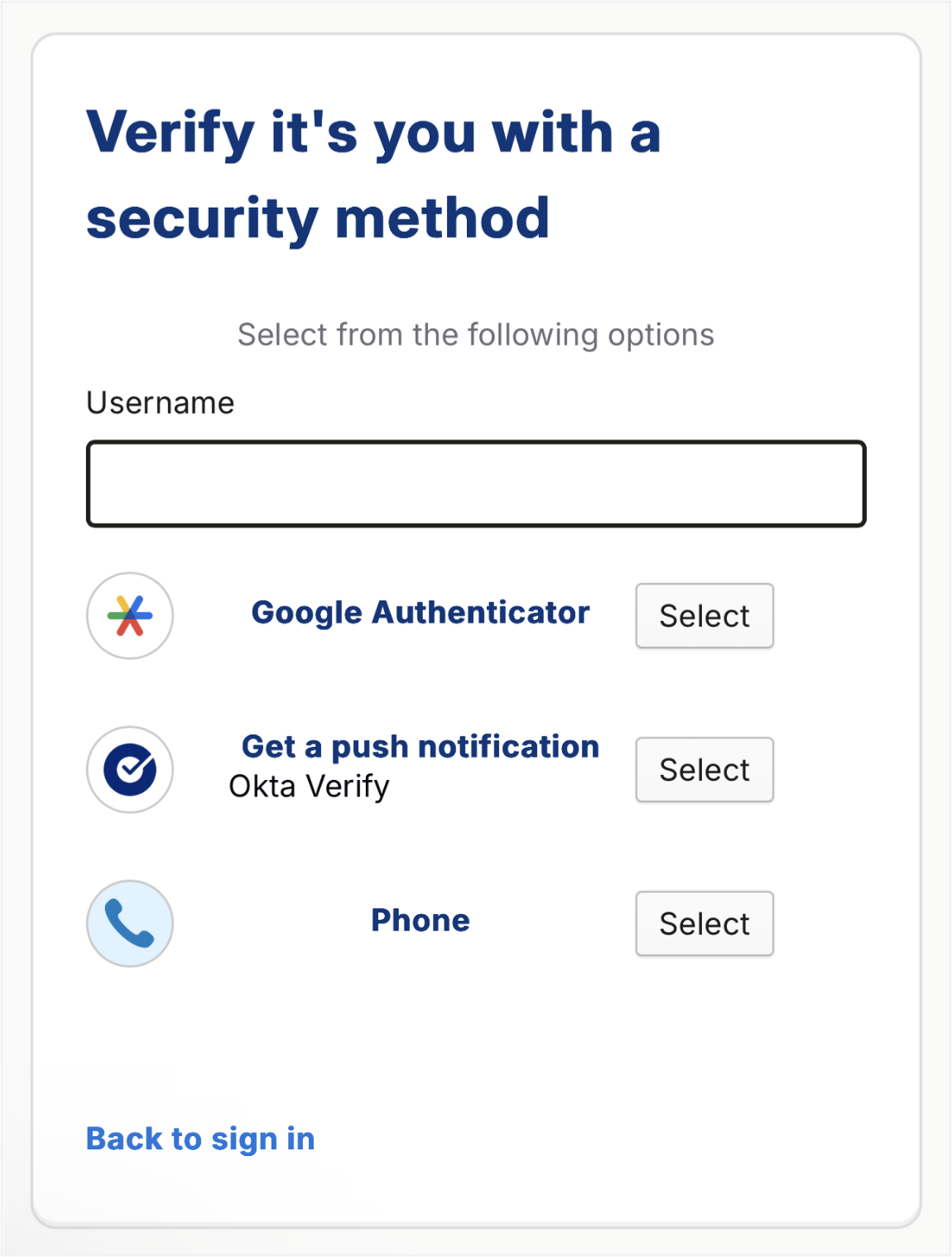
Was this article helpful?
That’s Great!
Thank you for your feedback
Sorry! We couldn't be helpful
Thank you for your feedback
Feedback sent
We appreciate your effort and will try to fix the article