To find your username:
If you’ve forgotten your username, contact LoadPay Support at 1-800-850-8234 or email help@LoadPay.com. Once your identity is verified, we’ll provide your username.
To reset your password:
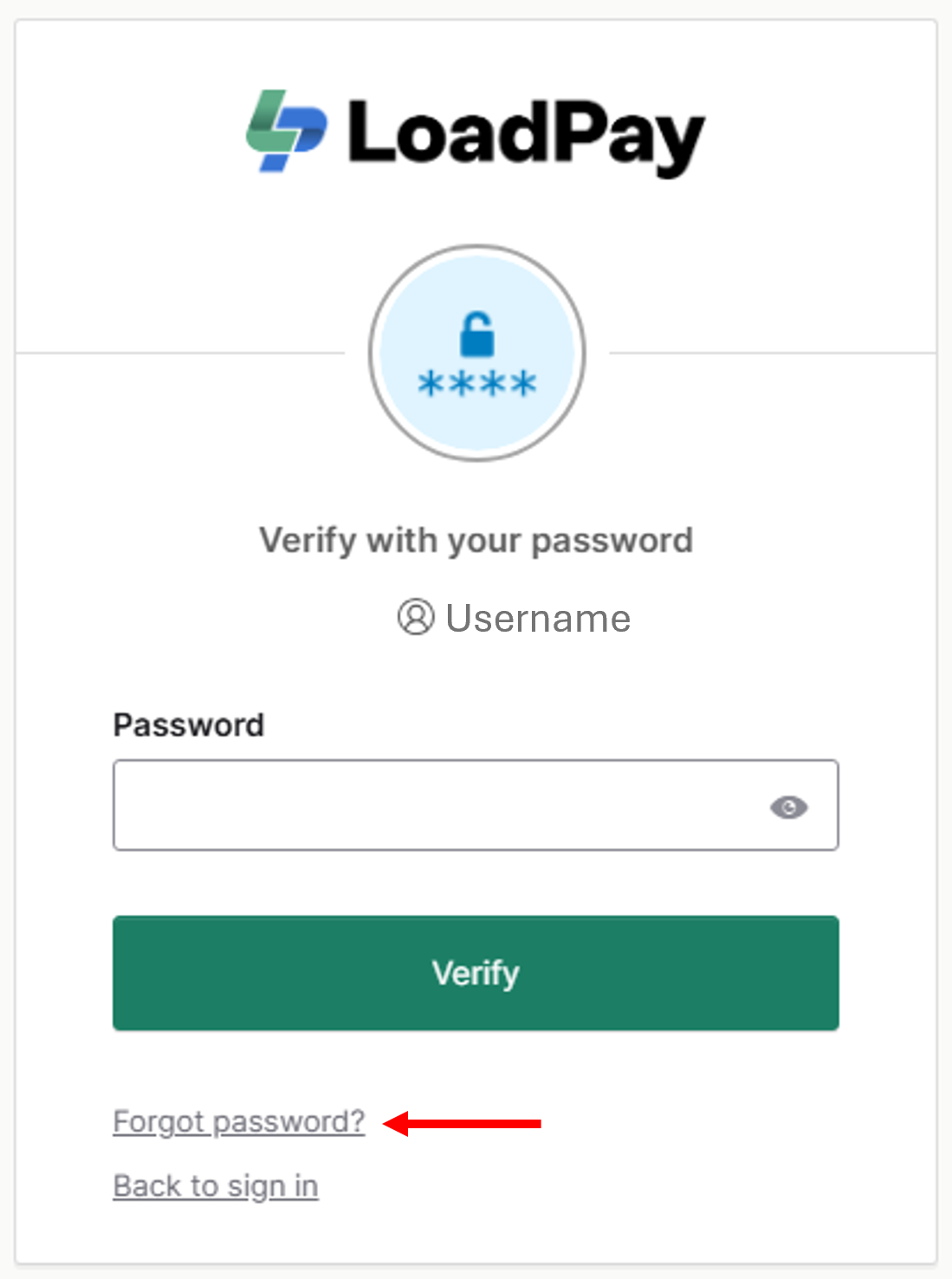
1. Go to auth.loadpay.com and click Forgot Password.
2. Verify your identity using MFA.
3. Follow the prompts to create a new password.
To update your password (without resetting):
Log in to your LoadPay portal and click on the profile icon in the top right corner. Select Profile from the drop-down menu. From your profile settings page, follow the prompts to change your password. NOTE: You'll be required to provide your current password.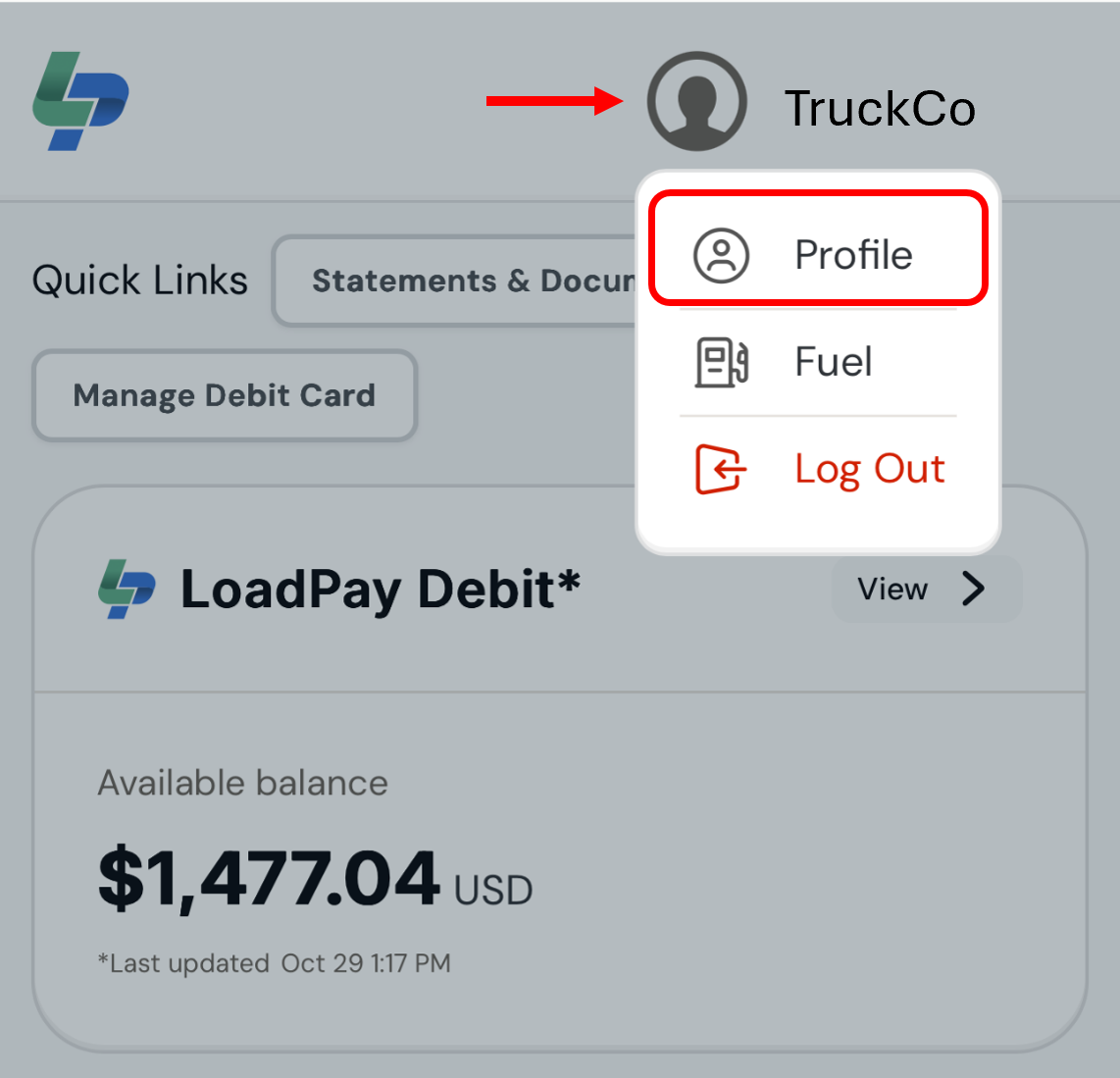
IMPORTANT REMINDER: Your LoadPay account login credentials and your Okta MFA login credentials are two separate and distinct sets of login information. Updating one does not automatically update the other.
Was this article helpful?
That’s Great!
Thank you for your feedback
Sorry! We couldn't be helpful
Thank you for your feedback
Feedback sent
We appreciate your effort and will try to fix the article