Your LoadPay login credentials are created during the account setup process. Here's how to get started:
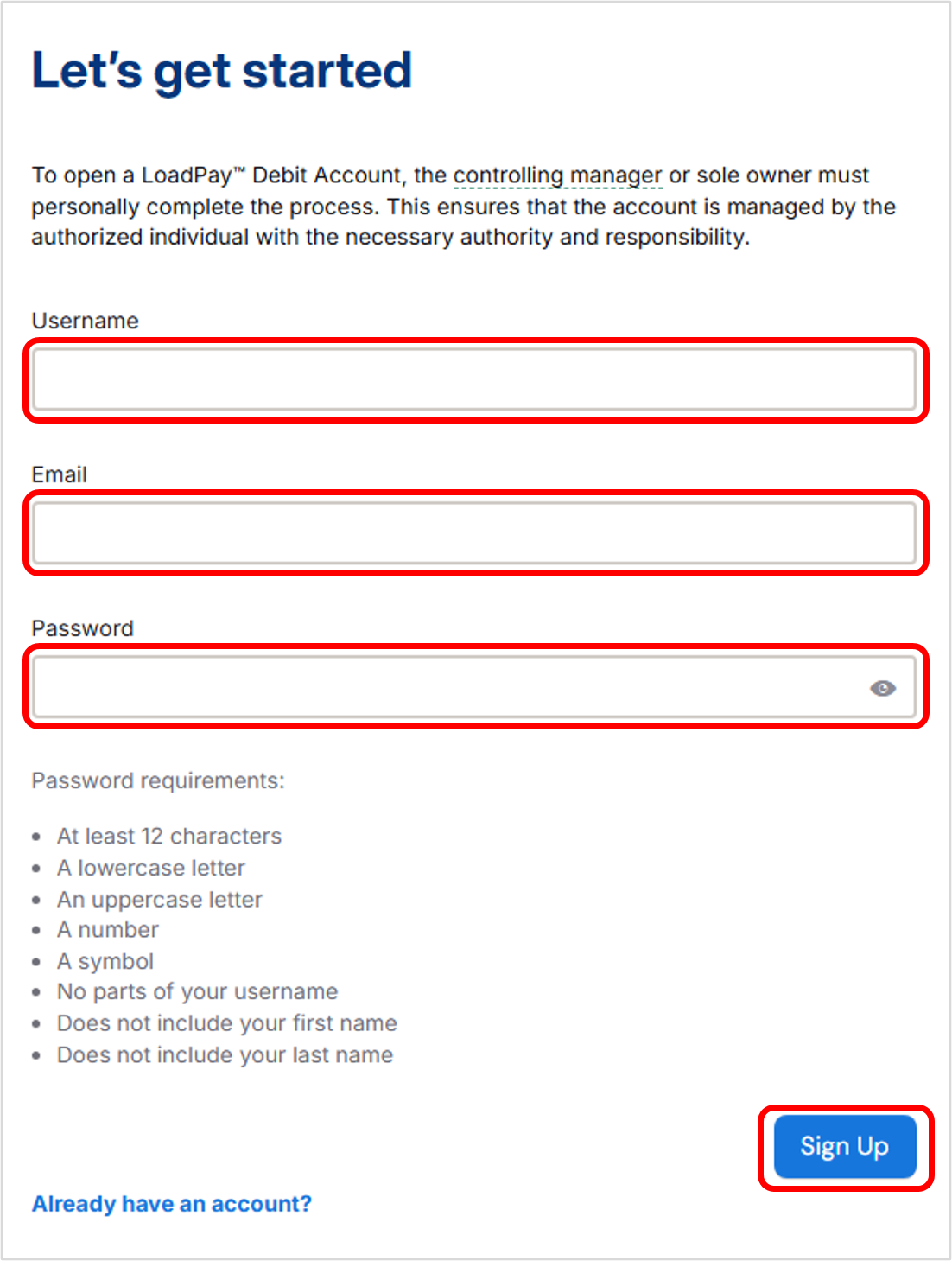
1. Go to auth.loadpay.com.
2. Create a username.
Your username should not include the “@” symbol. Use an underscore instead if you prefer using your email as a username (e.g., `jsmith_email.com`).
3. Enter your business email address.
4. Create a secure password.
Passwords must include:
- At least 8 characters
- Uppercase and lowercase letters
- A number and a symbol
- No part of your name or username
5. Click the 'Sign Up' button.
Once complete, you’ll use these credentials to log in to your LoadPay portal.
Was this article helpful?
That’s Great!
Thank you for your feedback
Sorry! We couldn't be helpful
Thank you for your feedback
Feedback sent
We appreciate your effort and will try to fix the article